

Master Next.js from App Router fundamentals to advanced patterns. Learn server vs client components, data fetching strategies, rendering modes, and production optimization for developers who know React and want to fill knowledge gaps.
This free Next.js Mastery course is built for developers who already know React and want to close the gaps in their Next.js knowledge. Starting from App Router architecture and file-based routing, you will work through the distinction between server and client components, understand when each belongs in your project, and move on to every major data-fetching pattern: server components, route handlers, server actions, and caching with revalidation.
The course then covers the full spectrum of rendering strategies, from static generation and server-side rendering to incremental static regeneration and the newer partial prerendering model, giving you a clear framework for choosing the right approach for each page. Advanced modules tackle parallel routes, intercepting routes, route groups, and middleware patterns that make complex application layouts manageable. A dedicated performance module walks through image and font optimization, bundle analysis, and lazy loading so your production builds stay lean.
The final two modules address authentication with middleware-based auth and server action security, then deployment realities including build output analysis, edge versus Node runtime trade-offs, and Vercel-specific features. The course is completely free and requires no signup to start. Finish all lessons, pass the final exam, and you earn a certificate of completion you can add to your LinkedIn profile or resume.
7 modules • 26 lessons
Finish every lesson and pass the final exam to earn this free, shareable certificate.

Certificate of Completion
has successfully completed
26 lessons · Final exam passed

Michail Ouroumis
Founder, FreeAcademy.ai
Sample preview. Your name appears on the certificate when you complete the course. Learn more
Teaching a class or training a team? Assign this course for free
The course spans seven modules: App Router foundations, data fetching patterns (server components, route handlers, server actions, caching), all four rendering strategies (SSG, SSR, ISR, PPR), advanced routing patterns like parallel and intercepting routes, performance optimization, authentication and security, and deployment to production including edge versus Node runtime decisions.
Yes, every lesson is free and no account is required to start learning. If you complete all the lessons and pass the final exam, you receive a certificate of completion at no cost.
You should be comfortable writing React components and understand basic JavaScript or TypeScript. Prior Next.js experience is helpful but not required; the course is designed specifically for React developers who want to master Next.js properly.
Module 3 covers static generation (SSG), server-side rendering (SSR), incremental static regeneration (ISR), and partial prerendering (PPR), and includes a dedicated lesson on choosing the right strategy for a given situation rather than treating all pages the same.
Yes. Complete all course lessons and pass the final exam to earn a certificate of completion. You can share it on LinkedIn or include it on your resume to show your Next.js skills.

Learn to build search-engine-optimized Next.js applications from the ground up. Master metadata, structured data, technical SEO, and Core Web Vitals. Understand how Google crawls and indexes your pages, and implement best practices that drive organic traffic.
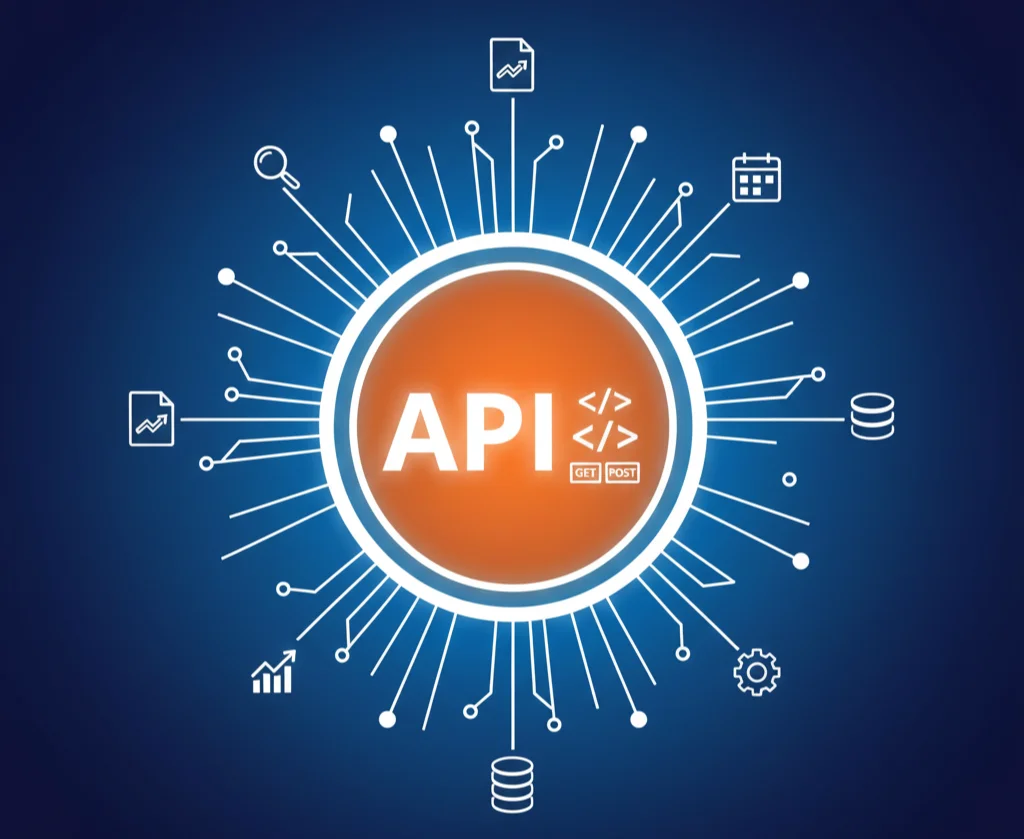
Master REST API design principles and best practices through hands-on exercises. Learn resource naming, HTTP methods, status codes, authentication, versioning, and documentation. Build real-world API designs with interactive request builders and response validation.

Master React with hands-on exercises in your browser. Learn components, props, state, hooks, and modern React patterns through interactive coding challenges. Build real UI components with live preview and instant feedback.

Master version control with Git and GitHub. Learn branching, merging, pull requests, and collaboration workflows.

Master CSS selectors, specificity, Flexbox, and CSS Grid with hands-on exercises. Build modern layouts with live preview and instant feedback. Practice from basic selectors to complex grid layouts in your browser.

Master Supabase concepts from the ground up. Learn about PostgreSQL foundations, authentication, Row Level Security, realtime subscriptions, storage, Edge Functions, and security best practices. Perfect for developers who want to understand how Supabase works before building applications.
